Servers
Your servers beside your agents
Termlux keeps your SSH hosts in one list with how each is doing, opens a shell on any of them with one key, and puts their files and port forwards a click away, in the same window as your terminals and agent chats.
Every host and how it’s doing
Hosts are listed by group, each with its status: reachable, connected, needs sign-in, refused, unreachable, host key changed. Select one for its latency, system, uptime and load. Already have hosts in ~/.ssh/config? Import them in one step. Jump hosts work too.
In the guide: SSH hosts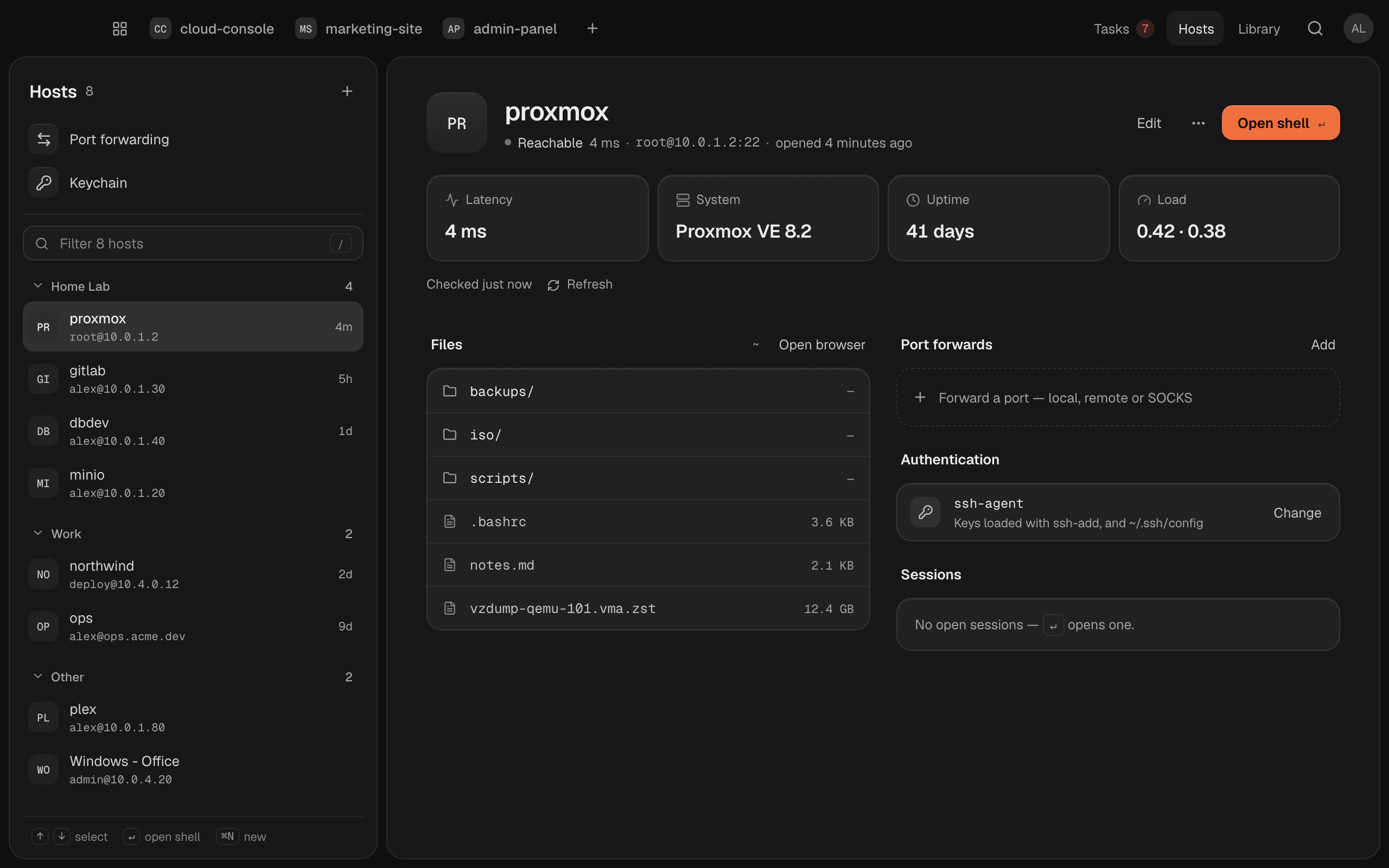
Keys in two clicks, passwords in the Keychain
Make an SSH key, put it on your server, and see which hosts use which key. A password is kept in the macOS Keychain and filled in when you connect. It’s never written to disk or put on a command line.
In the guide: SSH keys and passwords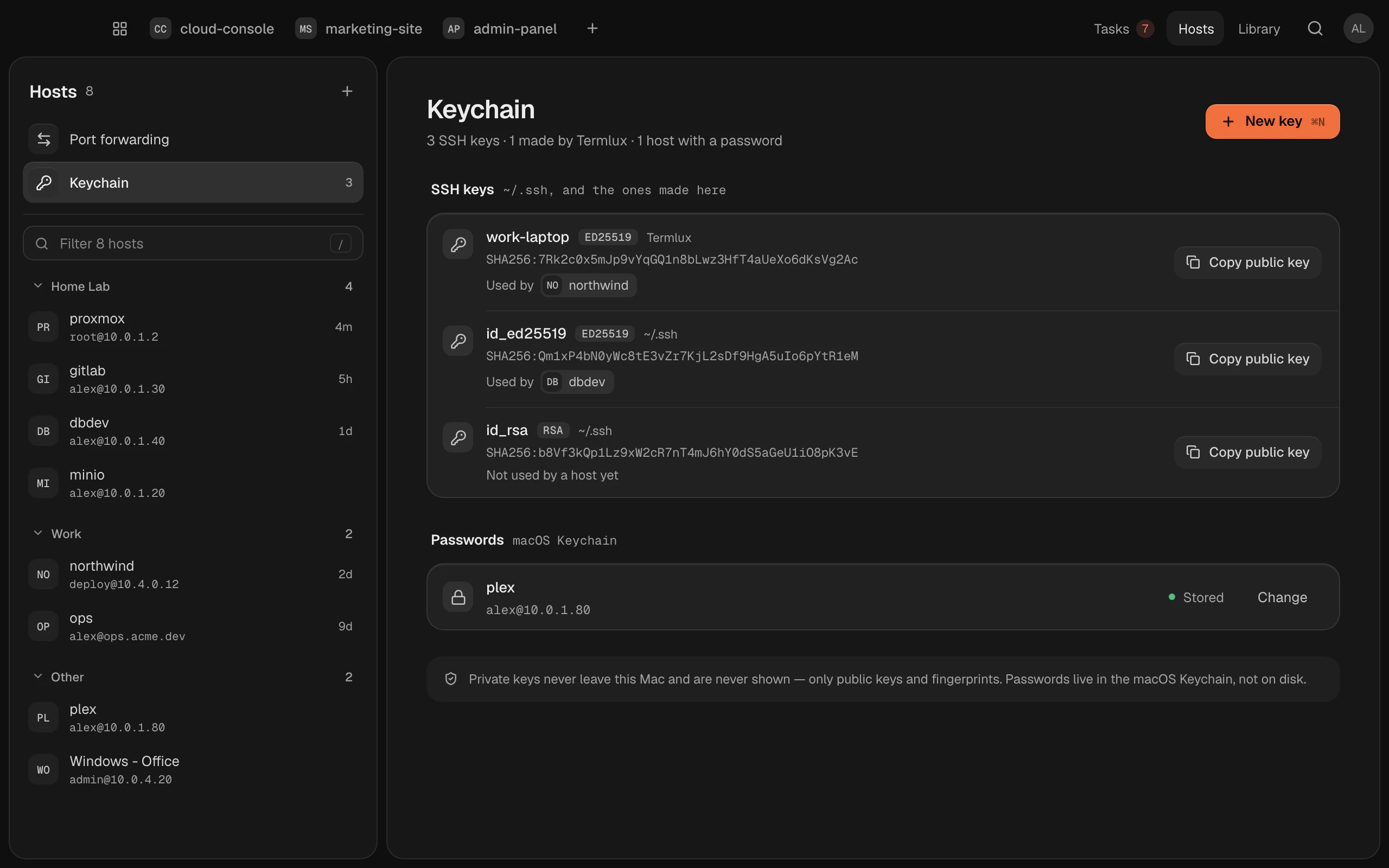
Files on the server
Browse a server’s files, drop files in to upload them, download, rename and delete. You can open a shell right where you are, too.
In the guide: Files on your serversPort forwards you start with a click
Open a server’s database or web UI on your Mac, let a server reach your Mac, or send traffic through a host as a SOCKS proxy. Each tunnel starts and stops with a click and shows when it fails, and why.
In the guide: Port forwarding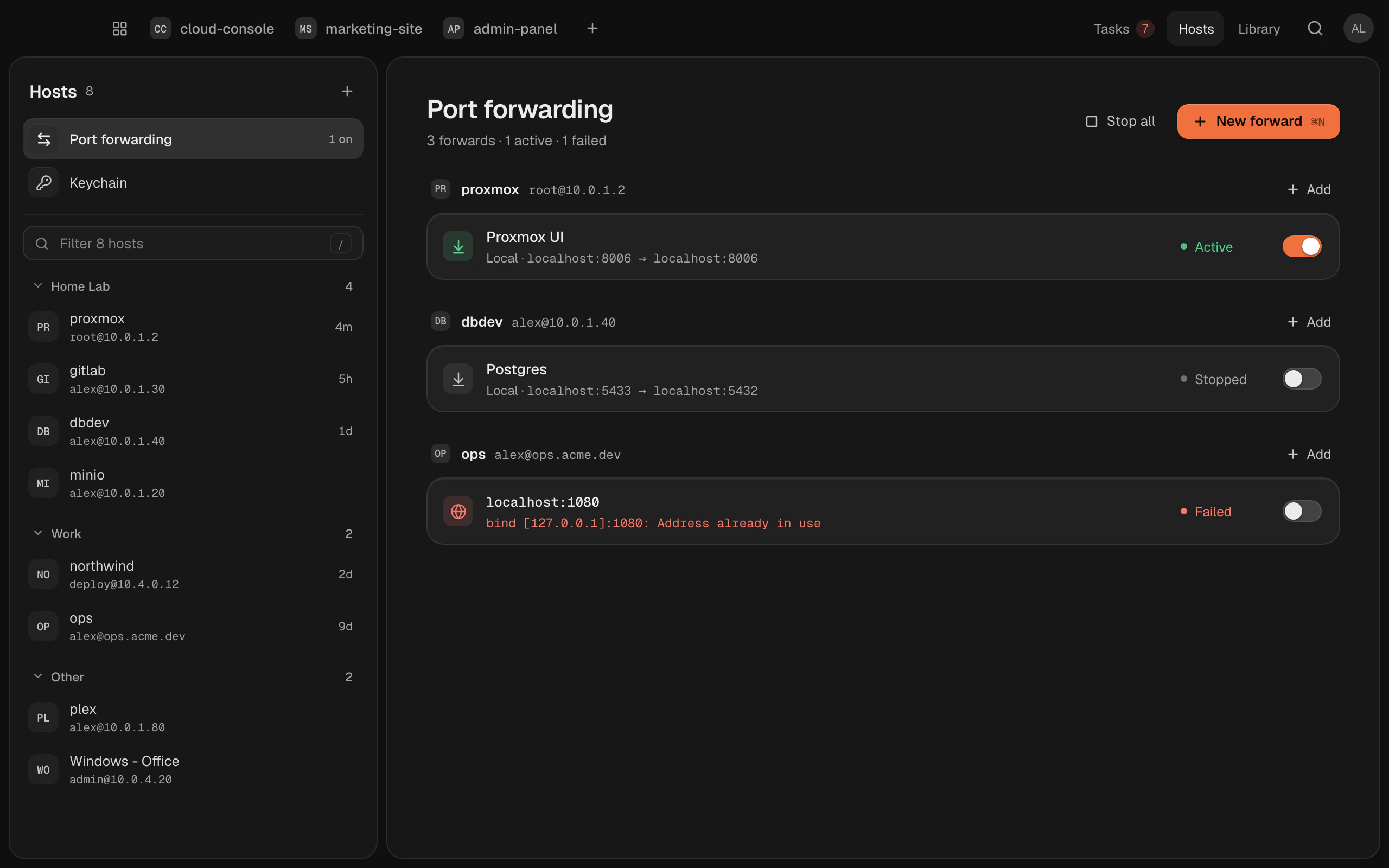
Claude can set them up, with your approval
In a Claude Code chat, Claude can add hosts, make and install keys, and set up port forwards for you. Every change to your servers waits for your OK in a Termlux dialog, and passwords never go through Claude.
In the guide: What Claude can do in TermluxOn all your Macs
Your hosts follow you to your other Macs, without their secrets: passwords and keys stay on the Mac they’re on.
In the guide: Sync between your MacsQuestions and answers
Yes. Import from ~/.ssh/config adds its hosts in one step, and the SSH Agent sign-in uses your running ssh-agent and your SSH config.
In the macOS Keychain, filled in when you connect. They’re never written to disk or put on a command line, and they don’t sync to your other Macs.
Nothing for the first 14 days: everything Termlux does, no card needed. Then Pro (€99 a year or €12 a month) or Team (€16 per person a month billed yearly, or €20 monthly). Prices include VAT; cancel any time.
Macs with Apple silicon (M1 or later) today. Termlux for Windows 10 and 11 comes with the next version. Intel Macs and Linux aren’t supported yet.
Give your agents
a calm place to work
Free for 14 days. Download it, sign in with your email and type claude.