Port forwarding
Open a server's database or web UI on your Mac, let a server reach your Mac, or route traffic through a host. Each tunnel starts and stops with a click.
Three kinds
| Type | What it does | Like |
|---|---|---|
| Local | Opens a service on the server, such as a database or a web UI, on localhost on your Mac | ssh -L |
| Remote | Lets the server reach a service running on your Mac | ssh -R |
| SOCKS proxy | Sends apps' traffic through the server, as if you were there | ssh -D |
Make one
1. Click your initials at the top right and choose Port forwarding, or press and type
port.2. Choose the Type and the Host to go through.
3. Fill in the ports. For a local forward of a database on the server: Local port
5433, Remote hostlocalhost, Remote port5432. For a SOCKS proxy, just the SOCKS port (1080 unless you change it).4. Add a Label if you like, and click Create and start.
Then connect your app to localhost:5433, and it reaches port 5432 on the server.
Start and stop
Each forward shows whether it's Active, Starting…, Failed or Stopped, with Start, Stop and Retry. Stop all stops every one.
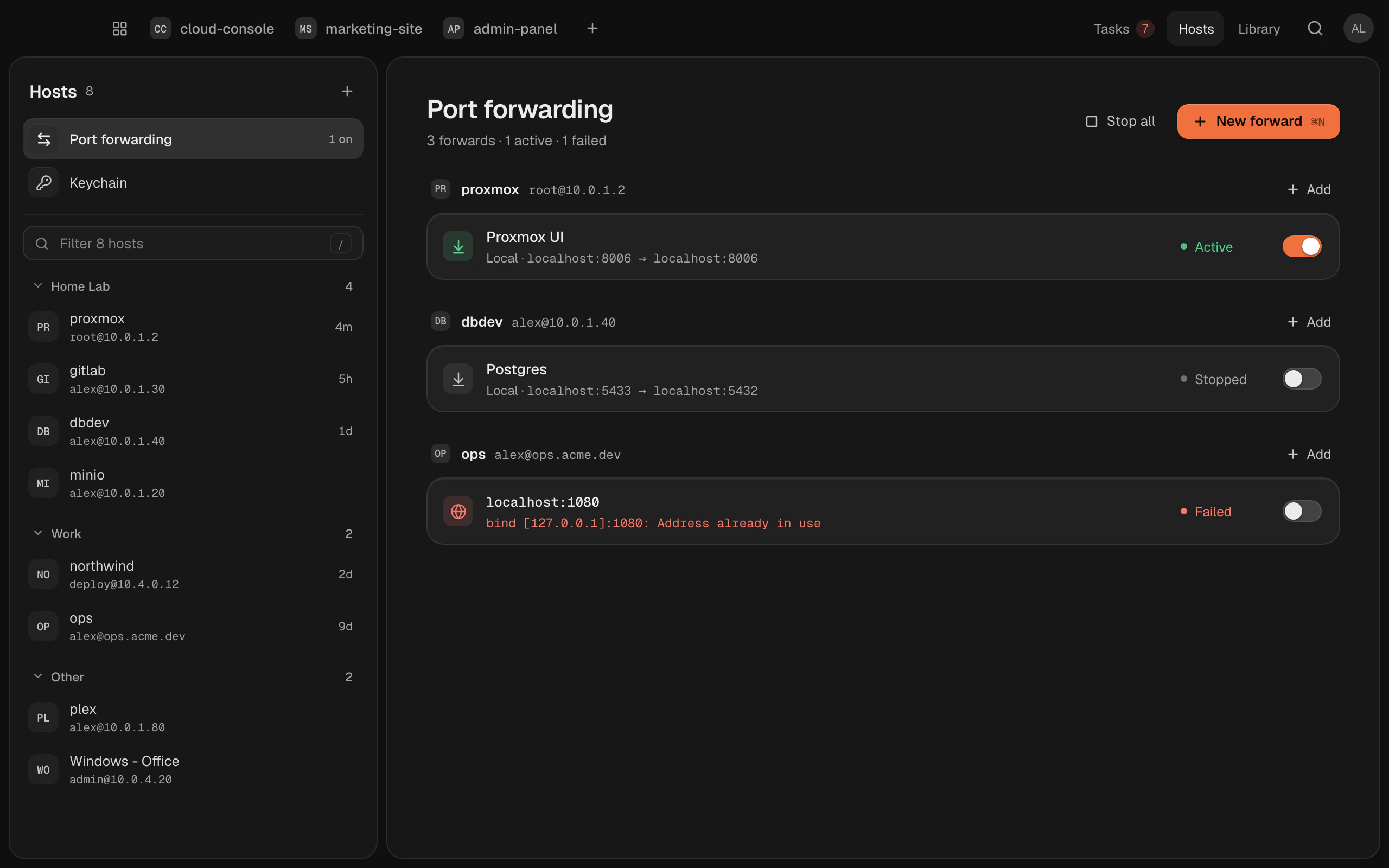
Forwards run while Termlux is open, and stop when you quit it. Start them again when you need them.
The host's details on the Hosts screen list its forwards too.
On your other Macs
Forward rules sync with your hosts, so they're ready on your other Macs. Whether one is running doesn't: each Mac starts its own.